


.png)
.png)
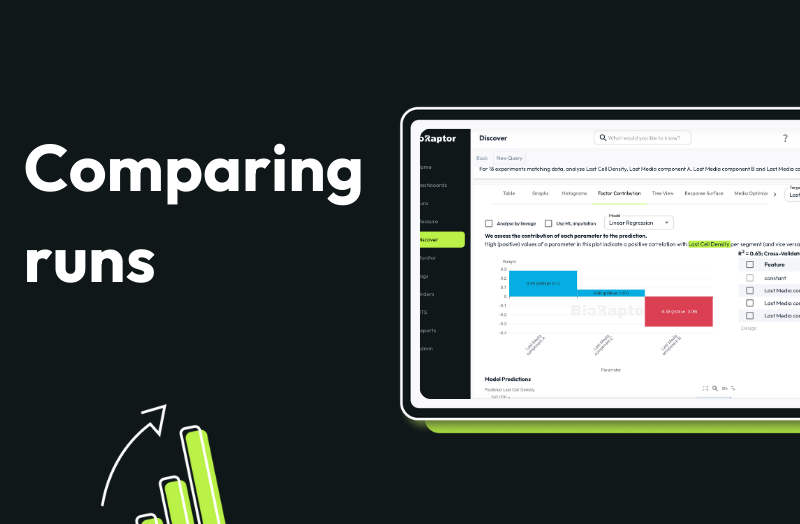
Comparing bioprocess runs is one of the fastest ways to learn what’s driving performance differences. But in practice, teams spend days manually grouping runs, exporting data, and eyeballing plots to understand what changed.
Compare feature in BioRaptor removes that friction. With a few clicks, teams can automatically group runs by any process parameter and let the system surface statistically meaningful differences across sensors, time-series data, and offline measurements.
Instead of guessing what matters, BioRaptor shows you what is affecting your runs.
How compare feature works
- Open the Compare view
- Select as many runs as you want or group runs automatically by a parameter
- Choose the parameter to compare against (e.g., pH set point)
- BioRaptor automatically creates run groups based on that parameter
- The system scans all available data for differences between groups
- Instantly see which signals, trends, or measurements diverge
- Drill down into raw time-series and offline data to investigate further
Watch comparing runs feature in action
See how runs are grouped automatically by a process parameter, how differences are surfaced across sensors and offline data, and how teams quickly identify where optimization should focus.
When runs are grouped by a parameter like pH, BioRaptor doesn’t just show averages or end-point values. It analyzes the full run context. In one view, teams can see not only that outcomes differ, but when and how those differences emerge.
Book a demo to see how quickly you can compare your runs and change parameters for optimization.

